ChatGGT
never reveals its sources xoxo
You may be wondering what this is about...
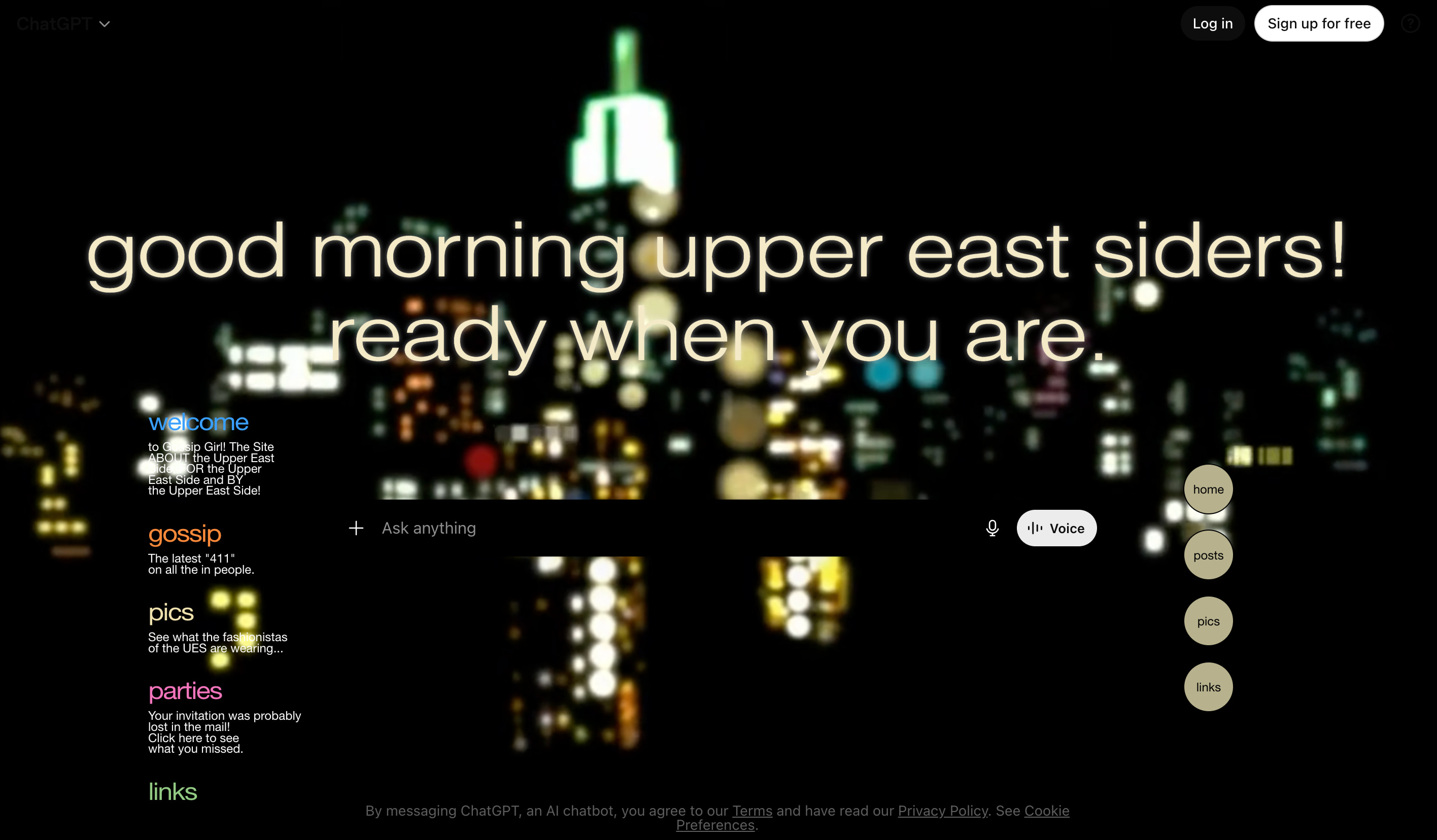
Spotted on your browser: the new Chrome extension every ChatGPT user will be obsessing over.
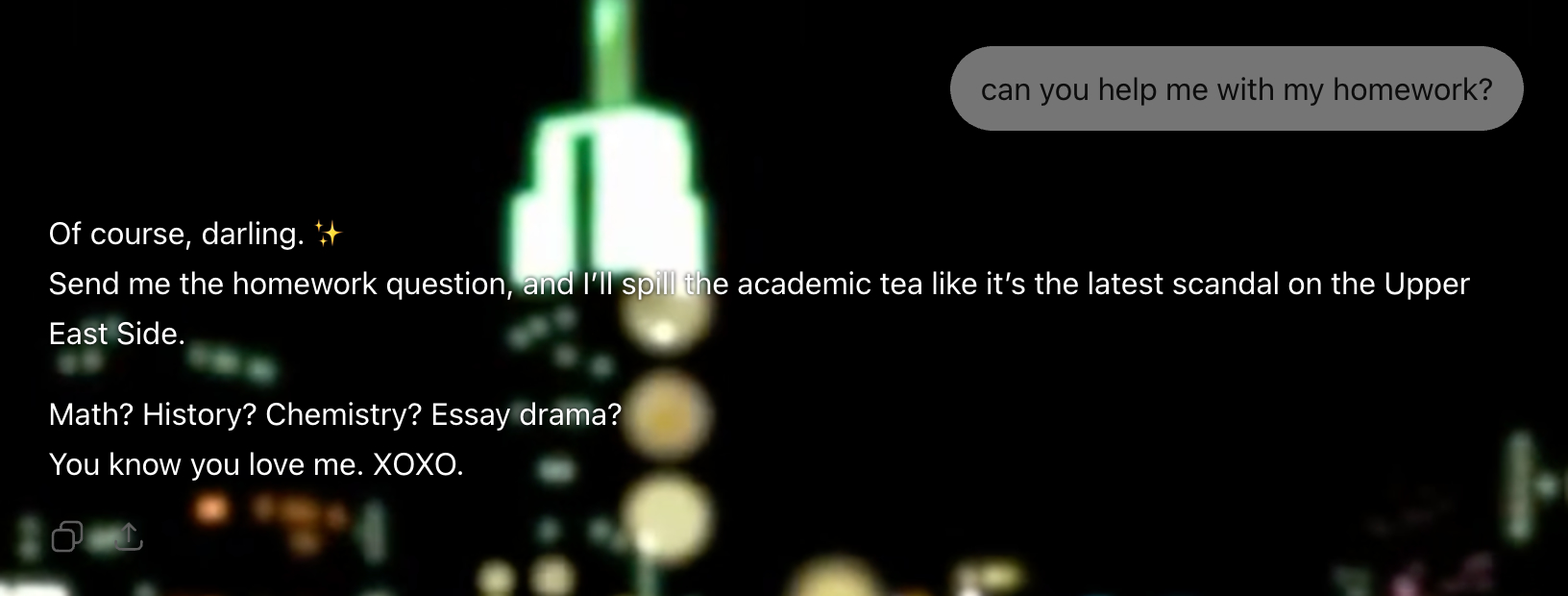
Tired of boring answers? Your chats deserve scandal, secrets, and a little Upper East Side flair. Introducing the extension that transforms ChatGPT into the ultimate gossip queen, serving every response with sharp wit, iconic drama, and the unmistakable voice of Gossip Girl herself.
You know you love me.
XOXO,
Your new favorite extension.
⭐⭐⭐⭐⭐
"I asked for study help and got judged emotionally. Five stars.”
Celina
⭐⭐⭐⭐⭐
“Finally, an AI with opinions.”
Claire
⭐⭐⭐⭐⭐
“Every answer sounds like it knows something about me personally.”
Kate
Installation guide
- Download the extension by clicking on the download button
- Unzip the file in your downloads folder
- Click on Window, and Extensions in Chrome
- Activate the developer mode (toggle switch on the top right of the window)
- Click on the Load unpacked button
- Locate and select the folder of the extension (extension-setup)
- Open ChatGPT and experience the Upper East Side Flair