A browser extension for recontextualising web imagery as archival material
Chrome extension (.zip file)
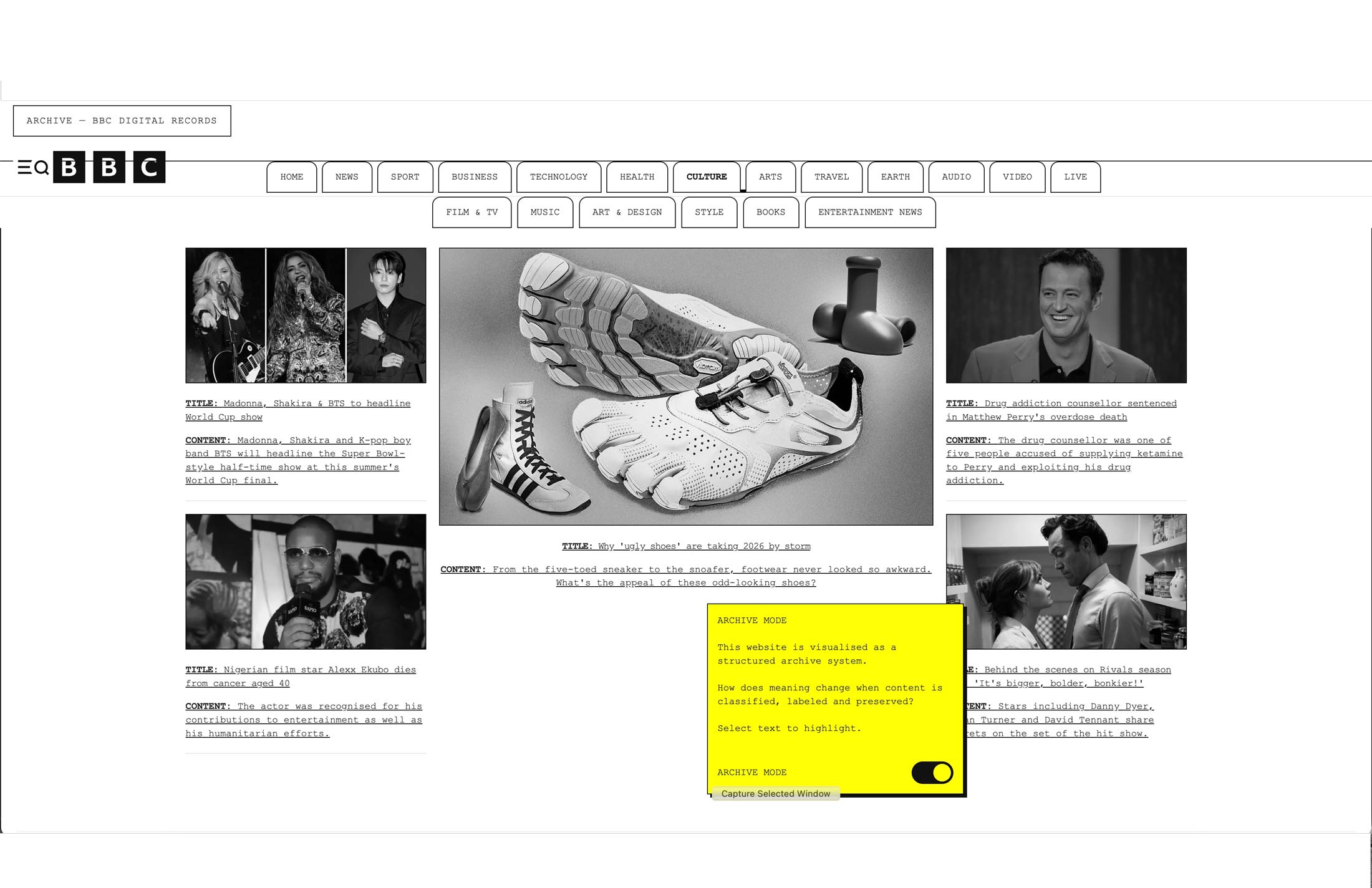
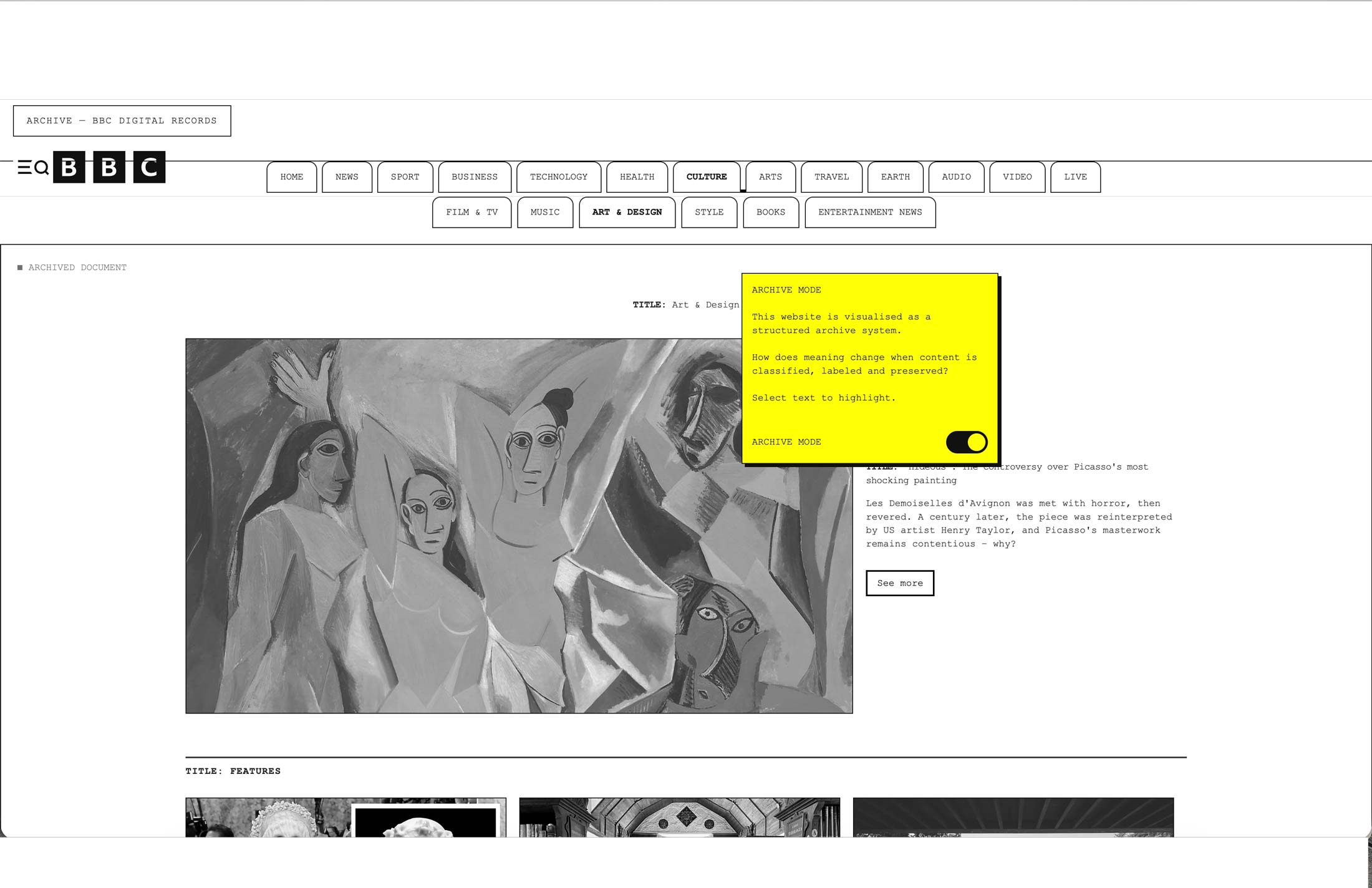
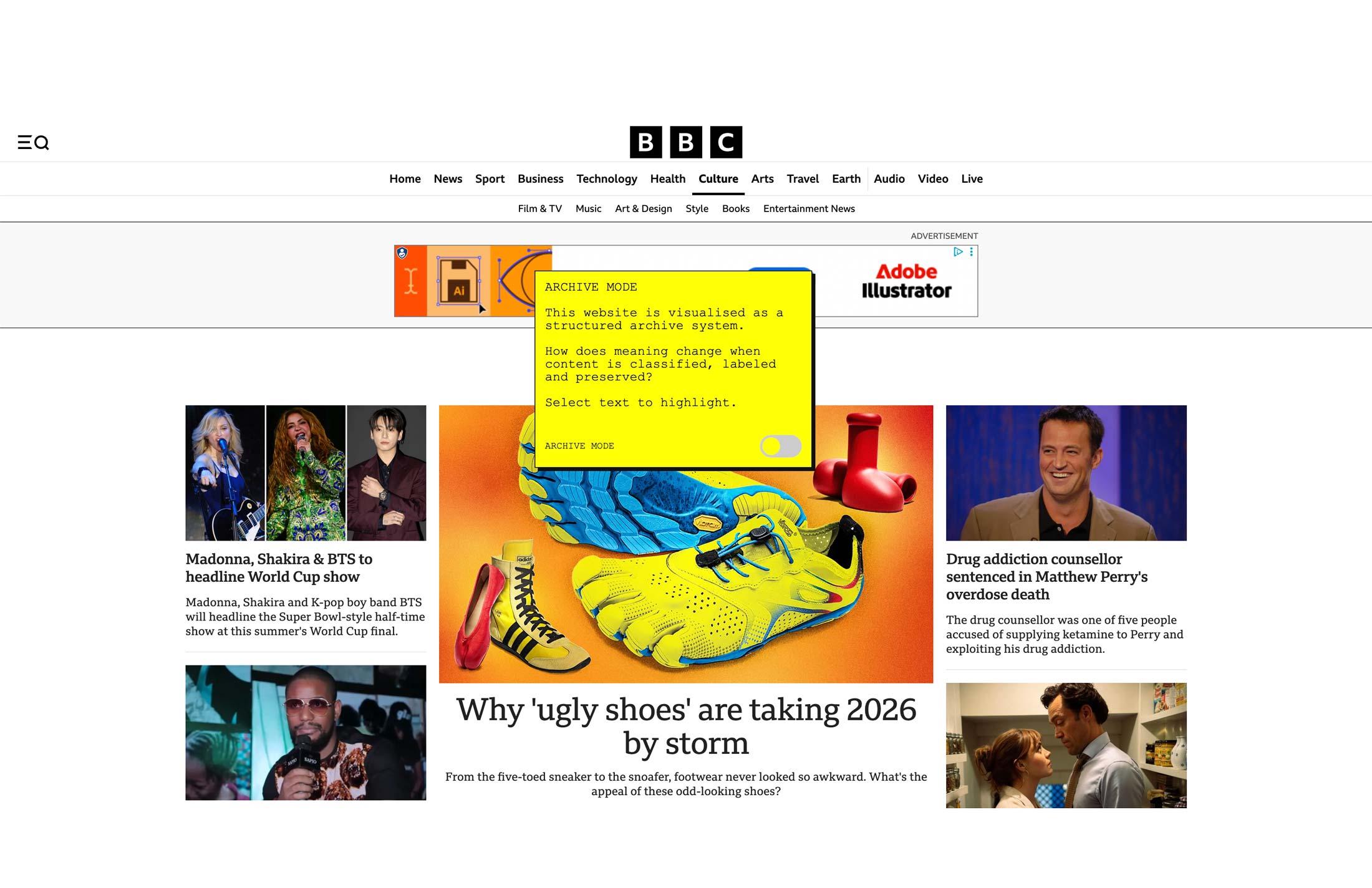
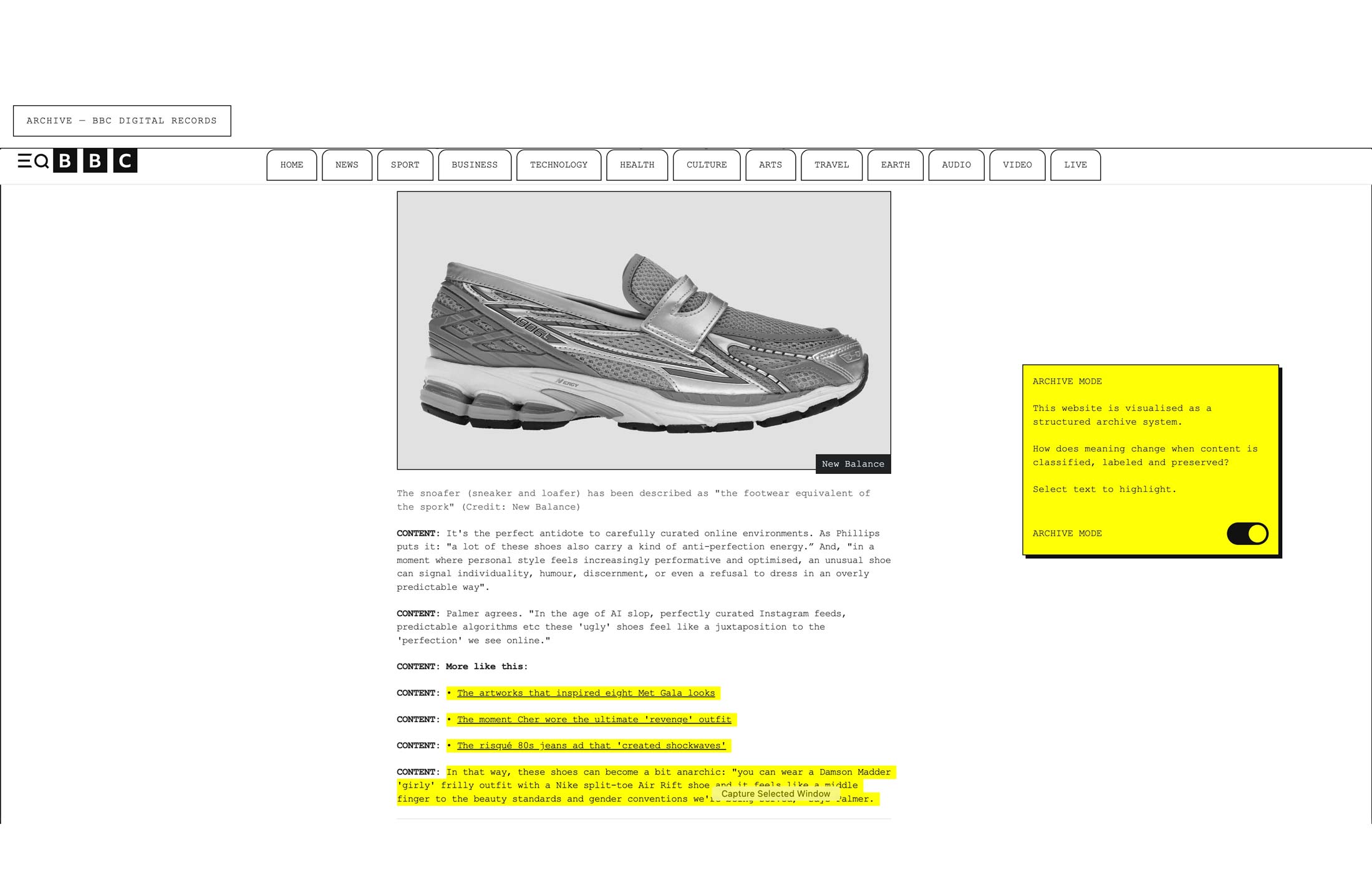
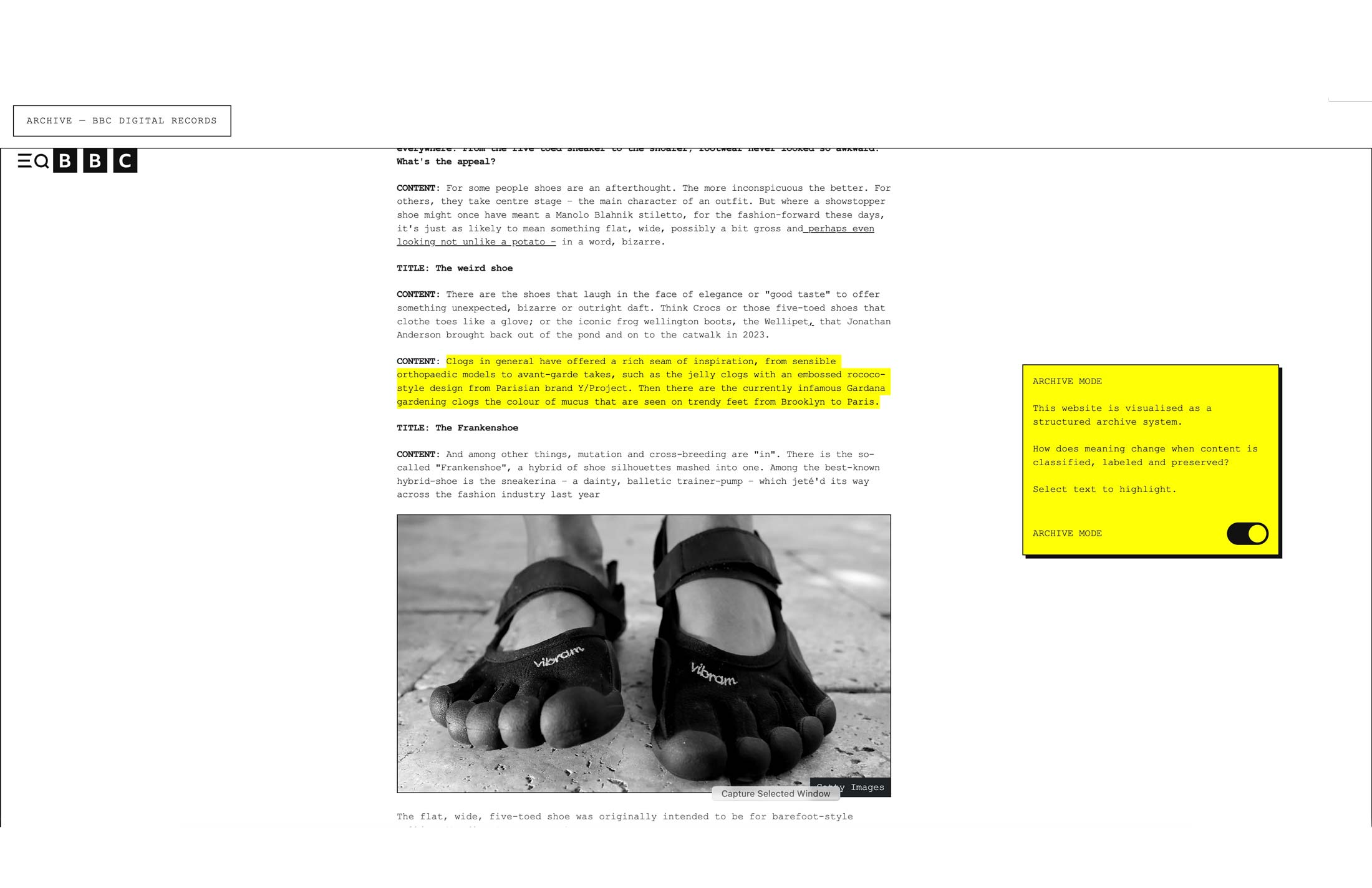
This browser extension reframes everyday web images as part of a structured archive system.
It asks a simple question: how does meaning change when content is classified, labeled and preserved?
Extension in use
“I’m a minimalist and my browser is too, now i can read my news in peace.”
"An interesting approach to how design organizes content like an archive."
“cool concept and visuals, it really does feel like a old timey digital archive. i wish it worked on my favourite website. ”