A Creative Drawing Guide
Beena Lee
Where does creativity come from?
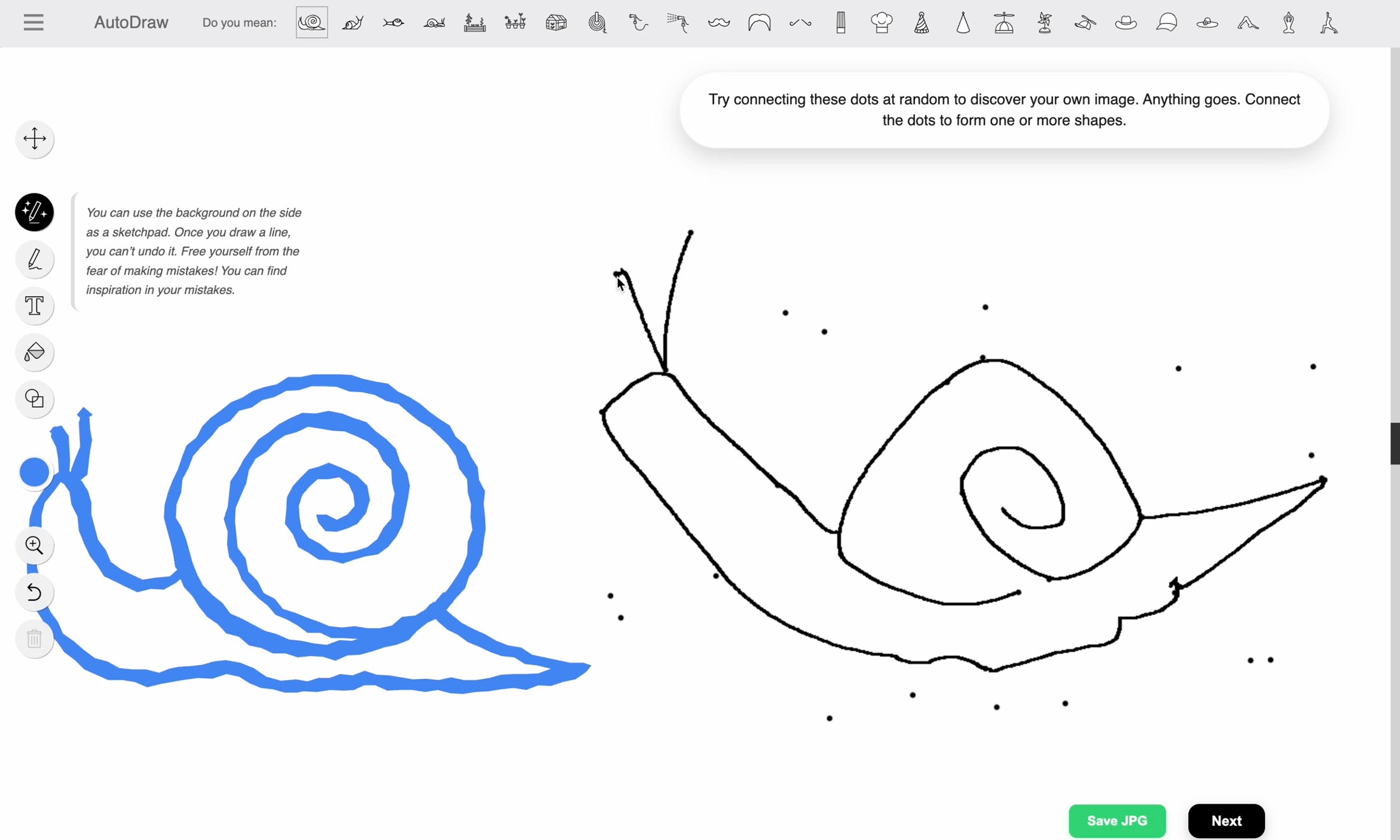
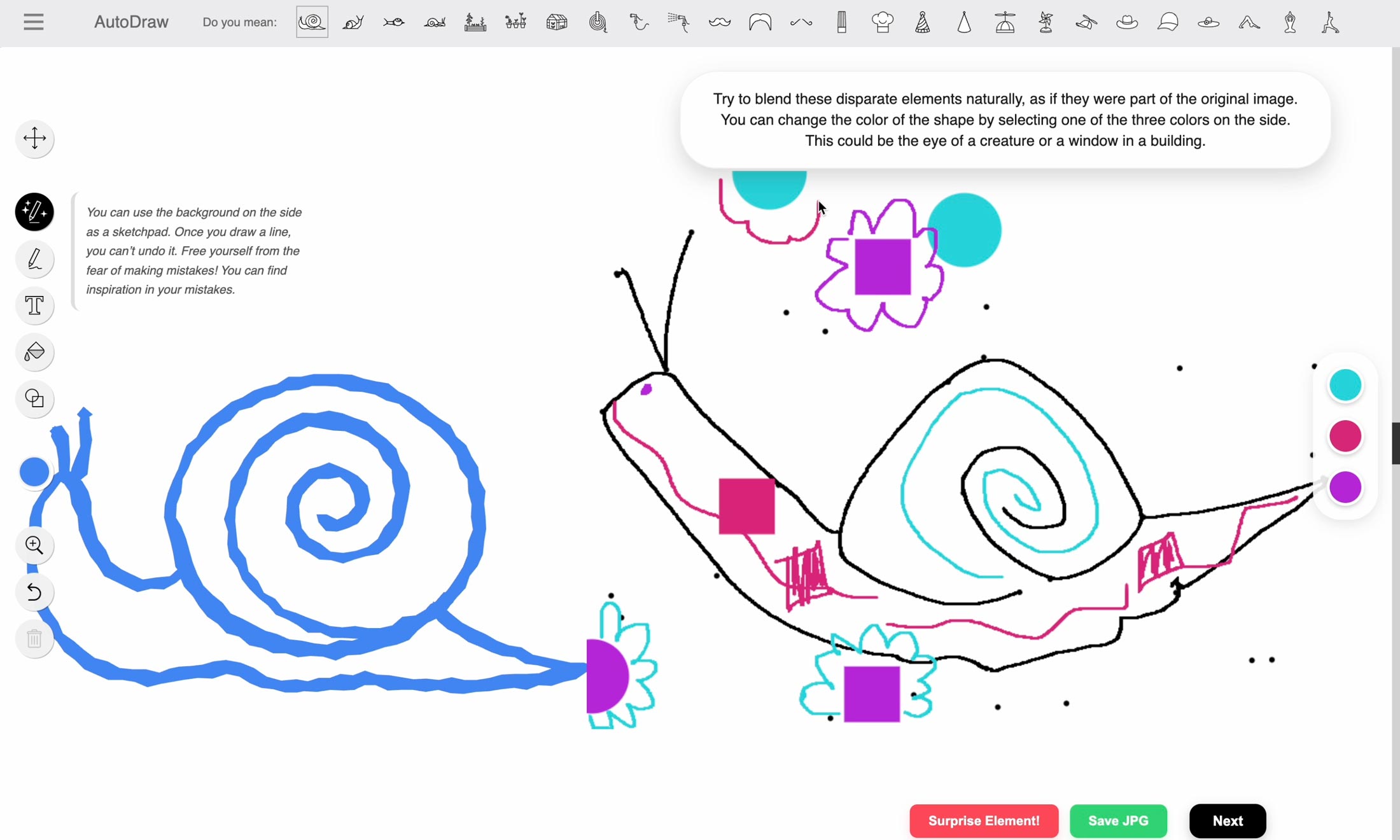
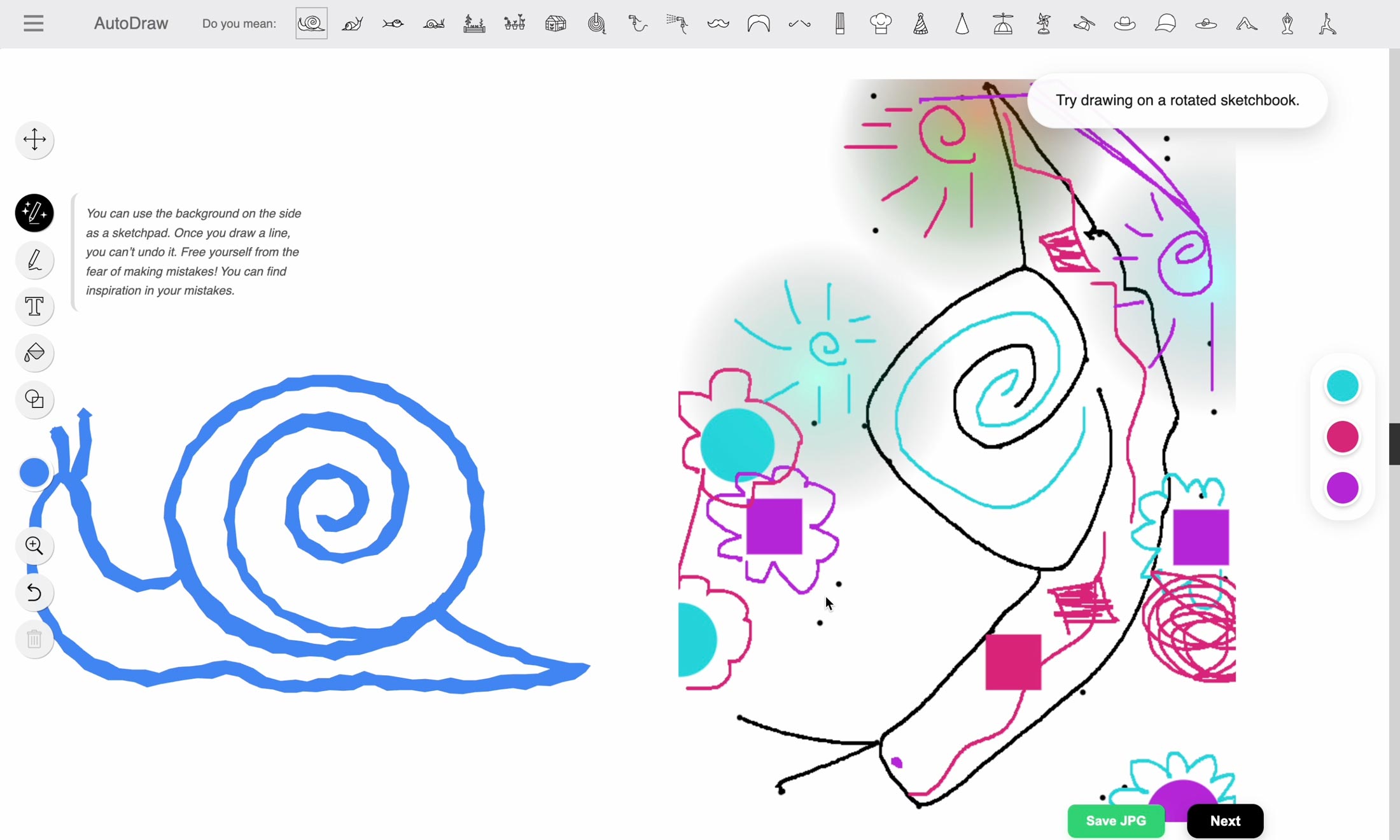
Creativity often comes from mistakes and limitations. Forget everything you know about drawing. Just follow the steps and see what happens. If you get a strange result, you’ve succeeded!
Great addition for a kindergarten teachers, it teaches my pupils how to draw effortlessly ⭐⭐⭐
Took my a while to figure out that you can unlock more coolers, once I figured it out it was really nice (my fault, I was not patient haha) ⭐⭐⭐
⭐ Really fun, reminds me of playing new drawing games being discovered, would be super fun as a multiplayer Pictionary style game, The changing size of the colour didn’t work for me, so that’s maybe something id look at? Really fun idea, definitely a lot of potential. ⭐
Installation guide
- Click the "Download" button on this page to download the project zip file. Once the download is complete, unzip the file to a location you can easily access (e.g., your Desktop).
- Open your Google Chrome browser. Click on the three dots (Menu) in the top-right corner, go to "Extensions", and select "Manage Extensions". (Or simply type 'chrome://extensions' in your address bar and press Enter).
- In the top-right corner of the Extensions page, toggle the "Developer mode" switch to *ON*.
- Once Developer mode is enabled, click the "Load unpacked" button that appears in the top-left corner. Select the unzipped folder containing your extension files (make sure it's the folder with the 'manifest.json' file inside). The extension will instantly activate!
- Go to [autodraw.com](https://autodraw.com), and follow the steps to complete your drawing.
- Want to save your artwork halfway through? You don't have to wait until the end! Click the green "Save JPG" button at any stage of your drawing to capture your current progress instantly.