Potimato Timer
Alex Klingeborn
A time backed by science based study technique, highlighting the effects of too much screen usage.
You only have one pair of eyes, don't let it turn into tomatos.
R“Even the smallest timer can change the course of a study session.” Potimato guided me through long hours of toil more faithfully than Samwise with lembas bread. Five stars from the Shire to Mordor.
There should be a parental lock, it's too easy to turn it off when your screentime gets to much. There is to much self-needed discapline. I should not have the power to turn it off this easily.
It really improved mylife, aswell as cooking my tomatos.
Ivery nice! I will keep it on my laptop and will use it, it's easy to install & make it work and it works very effective.
Wow, what a usefull extension, now I catch up with my work time! works really well! I really like the timer.
Ivery nice! I will keep it on my laptop and will use it, it's easy to install & make it work and it works very effective.
cool extension, only thing is i feel like when I get a break i'd distract myself and walk away forgetting about what I was doing haha, but I do see how it can be productive for people who dont know when to take a breather.
Super helpful and probably the only useful extension on this list haha, Would be nice if you could resize/move the window. Nicely designed aswell and I like the tomato.
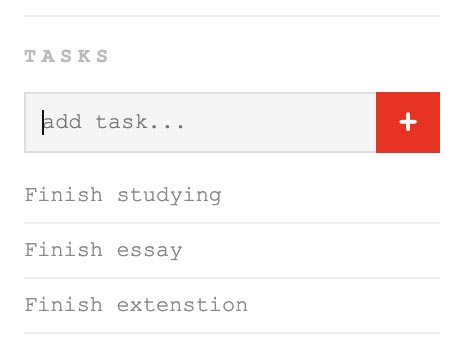
cool little pop up love that that you can give it a task and with tomato visuals can never go wrong.
very cool yes. i love that the screen blurs, but that may be counter intuitive if ur taking the pomdoro timer seriously. i dont really care tho, very cool.
this extension was straight forward and clean, i like the concept of the timer and break, forcing you to take a break from your screen. Maybe there can be more options? Buttons where you can switch mode.
Installation guide
- Press Download
- It should turn into a zip
- Click on Window, and Extensions.'
- Activate the developer mode (toggle switch on the top right of the window)
- Click on the Load unpacked button
- Locate and select the folder of the extension (`your-extension-name`).
- other instructions based on your extension.