Website Abstractor
clicking experience
Julia Jasieńska
What is it about
Turn your favorite website into abstract art by clicking all of its elements! Click all the text and images to transform them into colorful boxes and highlight invisible borders. Reload the page to return to its original shape and start clicking again to try out several well-composed color pallets. It can help you understand how the website is built, mark the parts of an article that you read, and more!
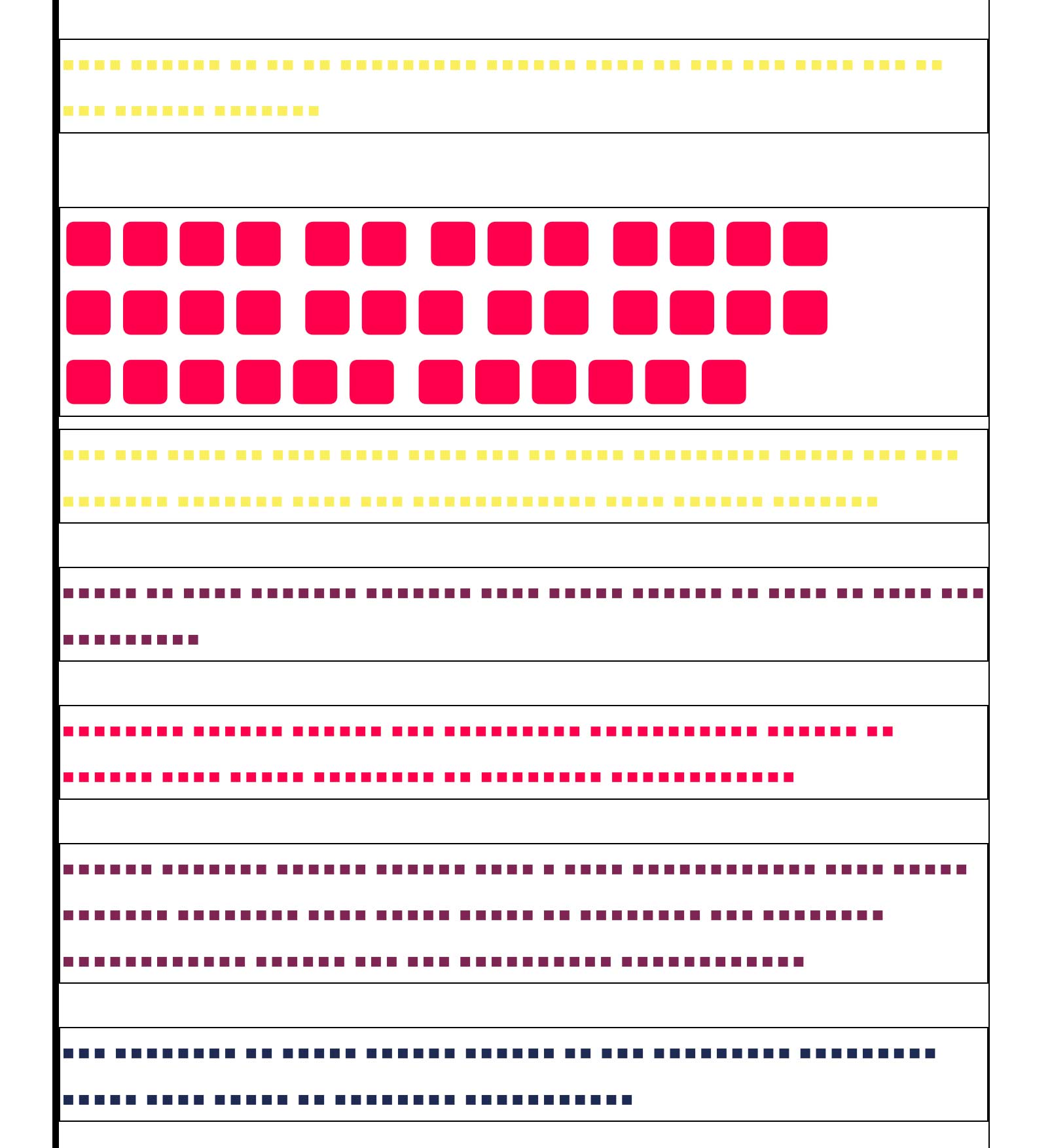
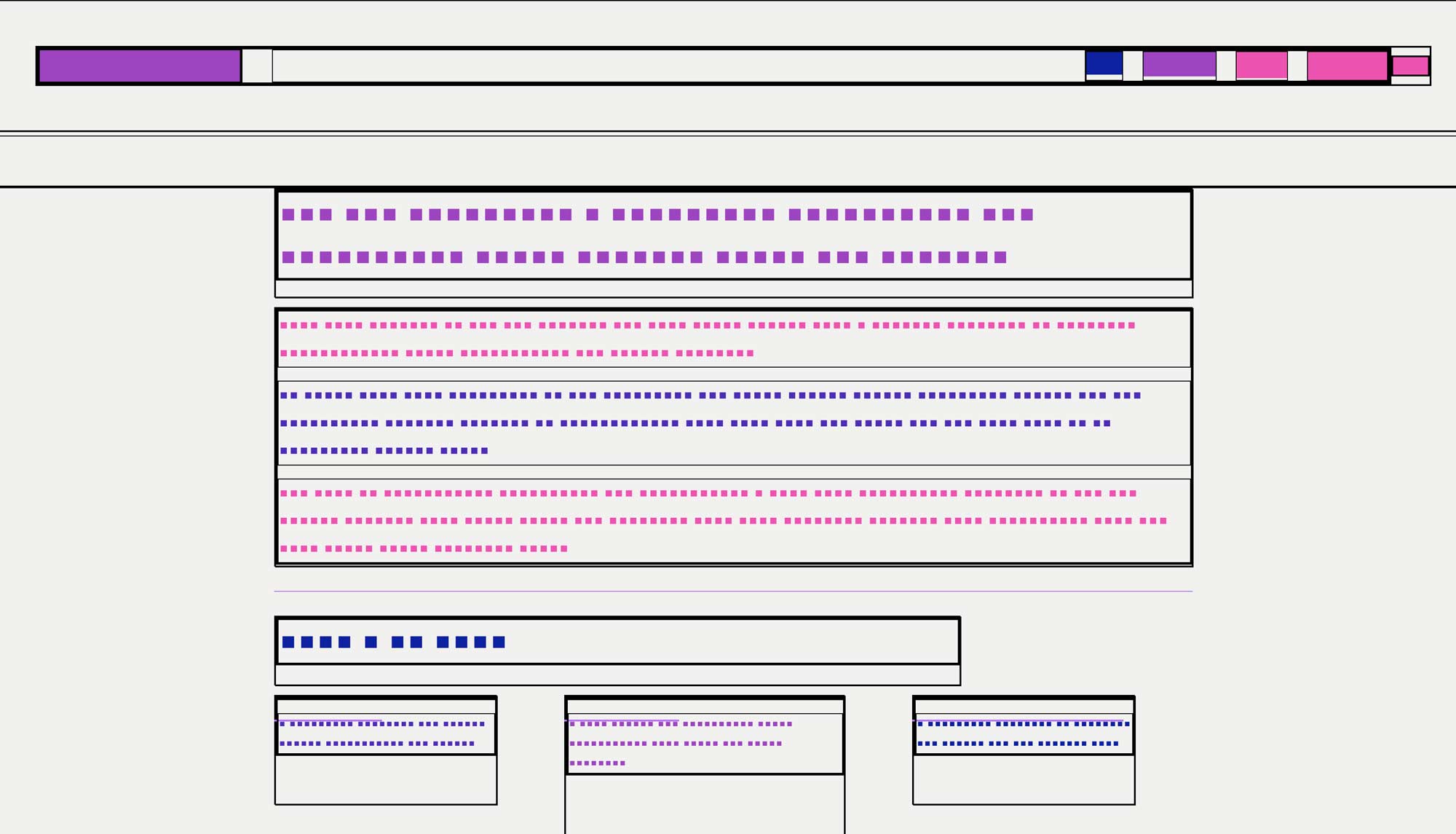
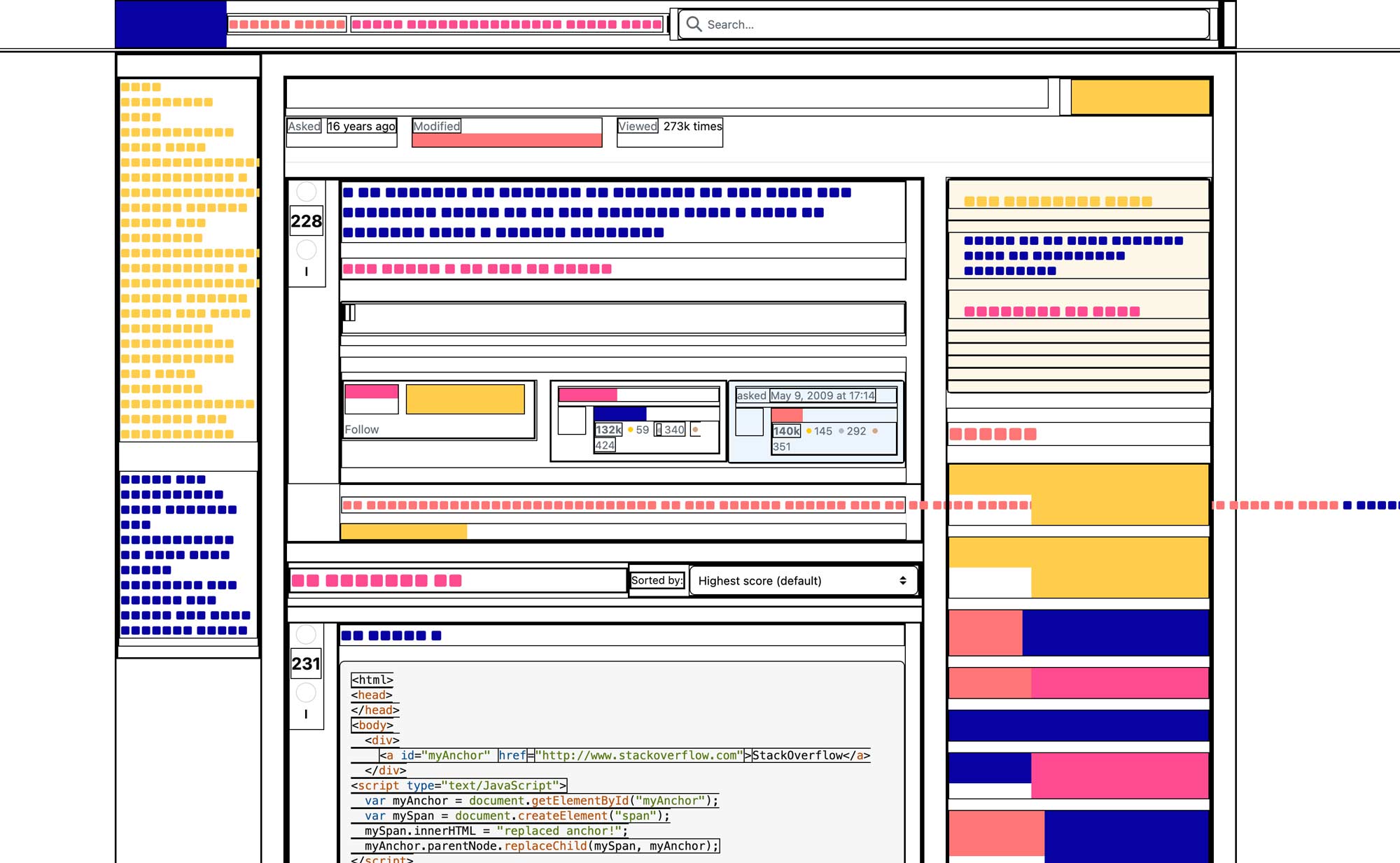
VISUALLY it looks soooooo cool omg i love the effect, it creates a bunch of SICK moments ⭐⭐⭐
Oh that’s really cool, I like how artistic and graphic it looks, the website could also be a bit more colorful. ⭐⭐
dont know why bit it didnt work for me but the idea is nice! and colours are gooood ⭐
Installation guide
- Click the download button
- Click Save file and OK
- Open Website-Abstractor.zip
- Open Extensions manager on Google Chrome
- In My extensions click upload unpacked
- Choose my-extension-project from Website Abstrator folder
- Click Select
- Make sure you activeted the extensions in your extension panel