Funky themes
Jasna Peštová
What is it about
I wanted to make a few funky themes with which I could costumize my browsing experience. I was initially inspired by 70s groovey design but I didn't really stick to it however I think it is still reflected in some of the design decisions.
Work best on articles specifically I worked with BBC, CNN and works ok on the Guardian too. I think other websites that contain articles work best as currently the button is tied to the h1 property. Next update I'll make the button appear always no matter the website! Stay tuned for updates.
- Theme 1 is more minimal yet still funky
- Theme 2 is very gradient heavy and I think its FUNKYYY
- Theme 3 is I think th most inspired by the 70 groovey style specifically colour wise.
(Additionally in Theme 3 the h1 font doesn't work on all websites unfortunetely but i included the font from theme 2 if you wish to change it)
Click on the button to try out the extension themes on this website
Here are examples of how the extansion looks on a different website:
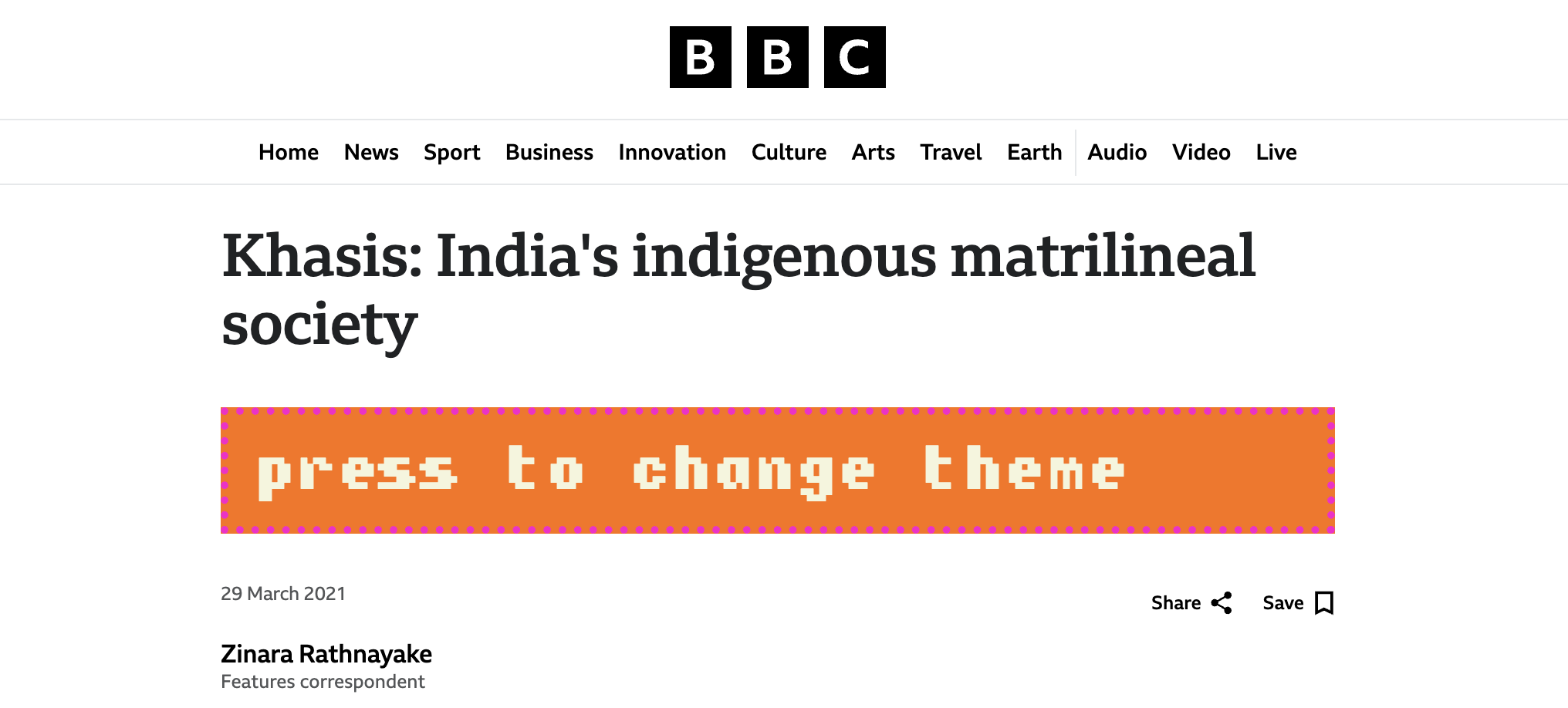
no themes active
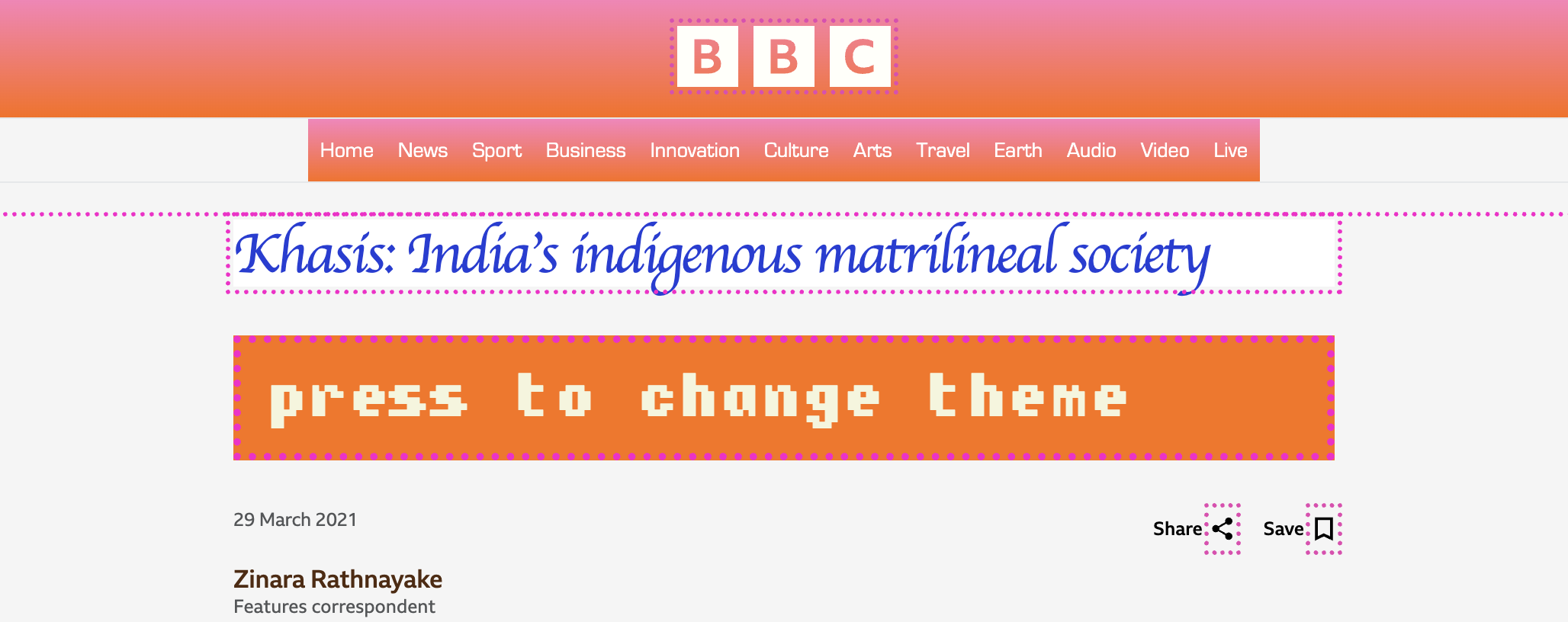
theme 1 active
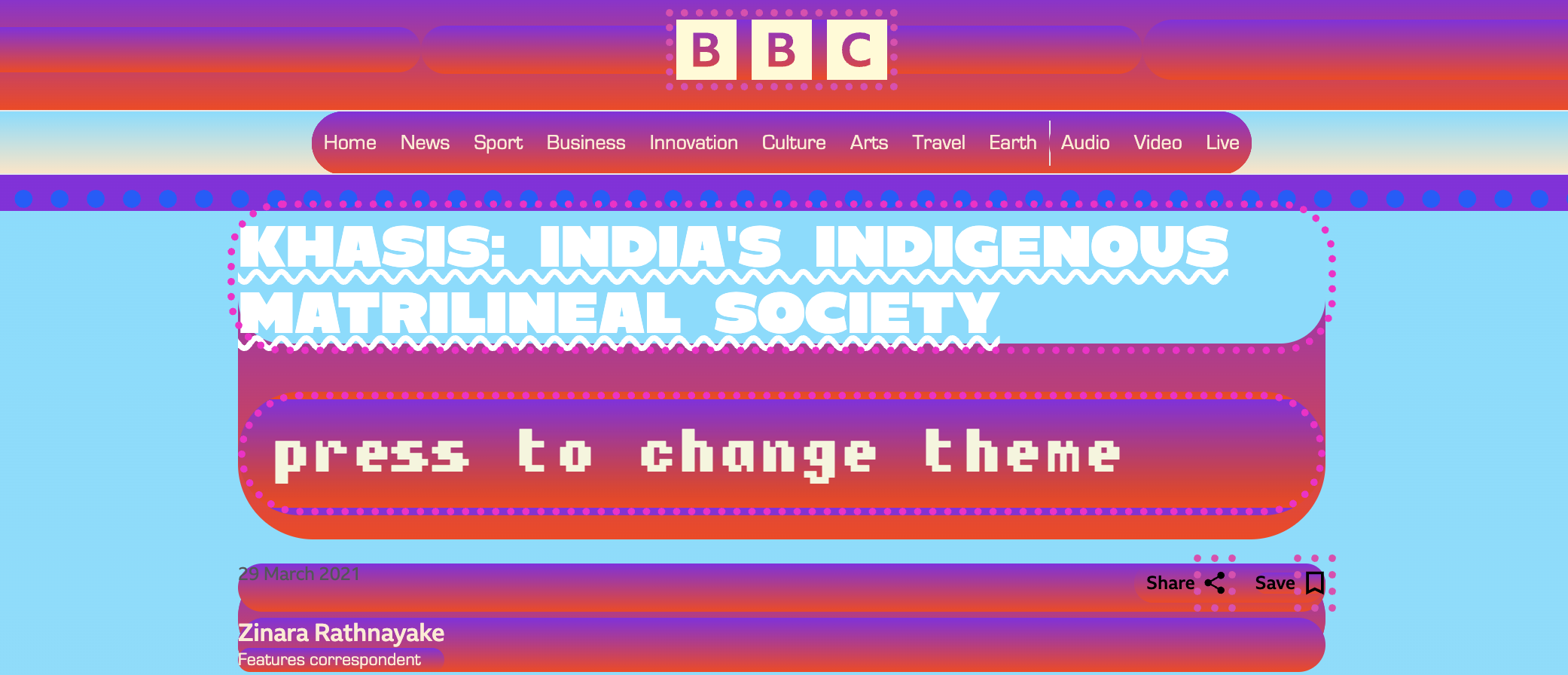
theme 2 active
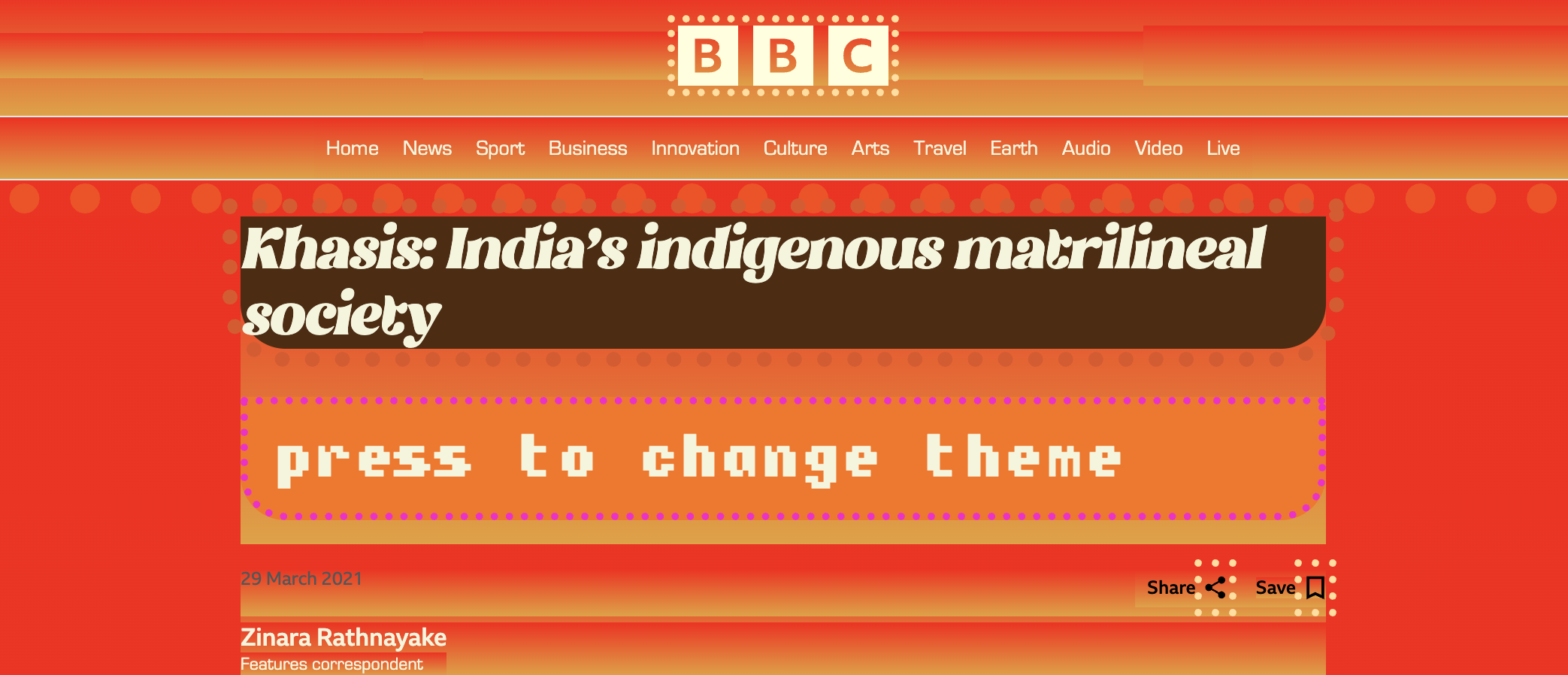
theme 3 active
⭐⭐⭐⭐⭐
The usability is so easy and the effects are SO cool like yes i actually do need cute themes for every website i ever use this just makes my life way easier and more enjoyable THANK GOD!
SlayBomb5000
⭐⭐⭐⭐
I really love the gradient colours. Even boring articles become visually entertaining. Works well on the websites you suggested. Could you make it work on more websites in the future bcs love these themes. Very funky indeed!
T1ff4nnyLuvsU
⭐⭐⭐
Very cool, well coded, I wished the extension button could move though. Maybe in the next update!
Brad
Installation guide
- Click on the Download button.
- Make sure the file is unzipped by double clicking on it.
- Now click on Window, and Extensions.
- Activate the developer mode (toggle switch on the top right of the window).
- Click on the Load unpacked button.
- Locate and select the folder of the extension (funky-themes).
- You can now activate it in your Extensions
- To change themes just click on the button that pops up and it will cycle through the themes after every click.
Now have funnnn!!!
And thank you for downlading my extension.