Daniel's Filters
by Daniel Yeremenko
Daniel’s Filters is a playful browser extension that turns any website into your personal playground. It allows you to transform your usual browsing into something unexpected and fun. Whether you're procrastinating or just want to see the internet differently...
How to use:
- HA filter: Hides all the text on the whole page, except the "ha". If you click on one of the "ha", they all start "laughing".
- Image spin: Makes all images spin on a random axis.
- Color thing: Changes the color of all elements that are not black or white. When enabled, it allows you to change the color of any element to a random color by clicking on it.
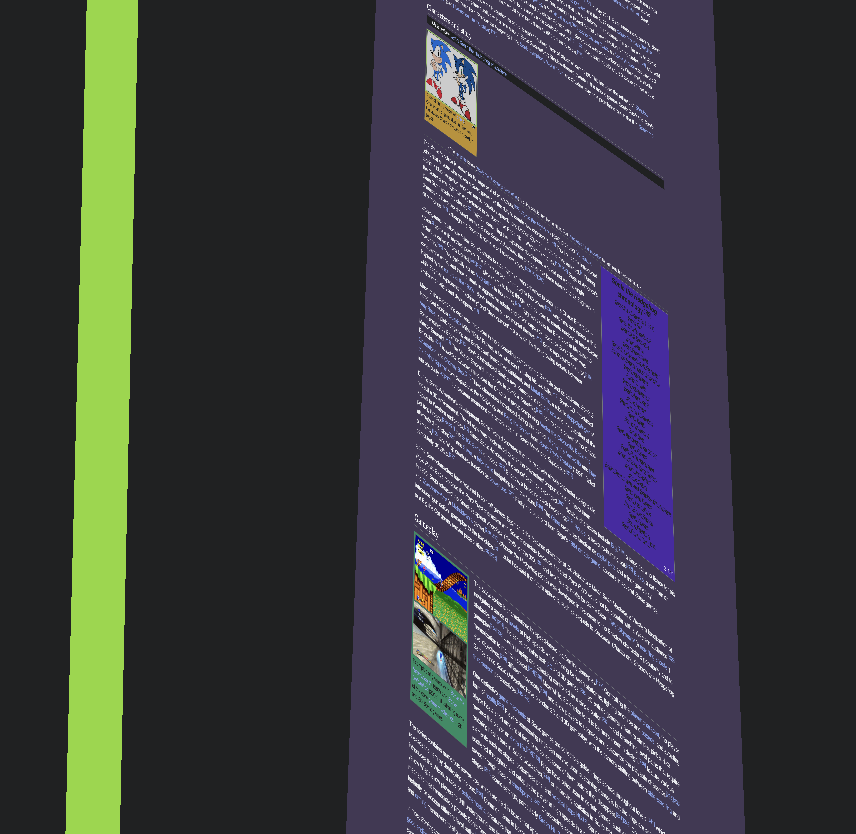
- Perspective: Allows you to give any object a random perspective by clicking on it.
So simply you can turn any webpage in a vibrant 3d collage simply by clicking around. Enjoy!

I don't get it. ⭐⭐⭐
Daniel's Mom
A LOT OF BUGS... ⭐
Daniel's Daniel
I gave my cousin head! Gave my cousin heeead! ⭐⭐
Kanye West
Installation guide
-
Click the Download button above to get the
daniels-filters.zipfile. - Unzip the file somewhere on your computer (like your Desktop or Downloads folder).
-
Open Google Chrome and go to
chrome://extensions/in the address bar. - In the top-right corner, turn on Developer mode.
-
Click the Load unpacked button, then select the unzipped
daniels-filtersfolder. - The extension should now appear in your Chrome toolbar!
- Visit any website and use the floating panel to turn on filters like spinning images, color chaos, or “ha” highlights. Explore and have fun!